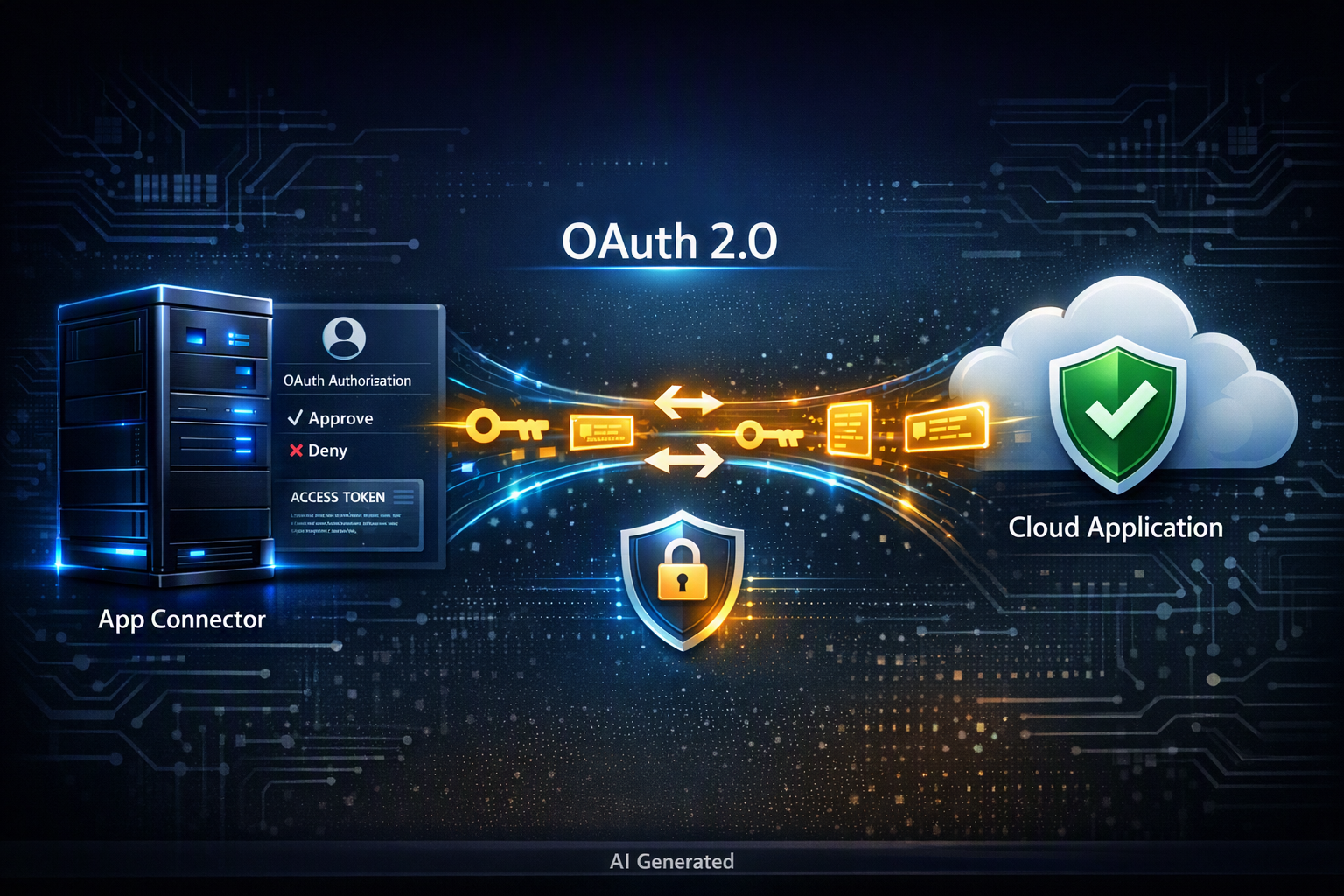
- If you don’t have the OAUTH feature enabled, raise a Zscaler support ticket to enable it.
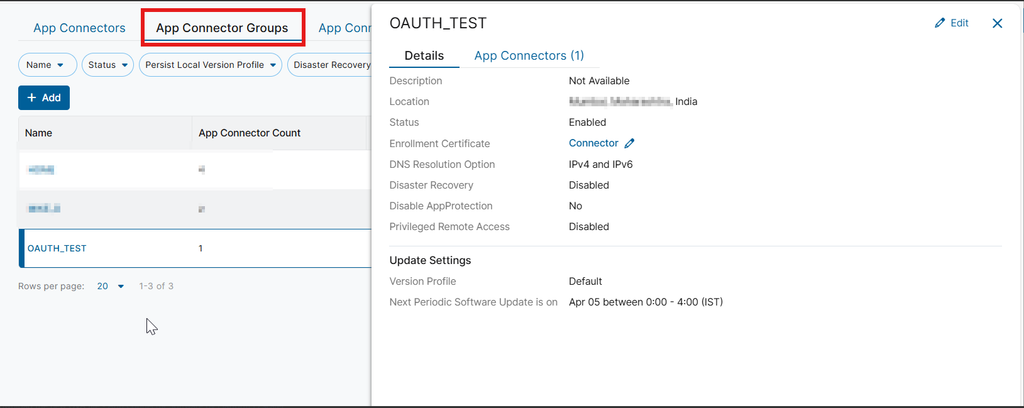
2. Once you see it, next you need to create the Zscaler App connector deployment via OAUTH feature group first.
3. Download the new OVA file – Zscaler App connector deployment via OAUTH feature – App Connector Software by Platform | Zscaler. Once you deploy it, you will see an AUTH code on boot-up screen.

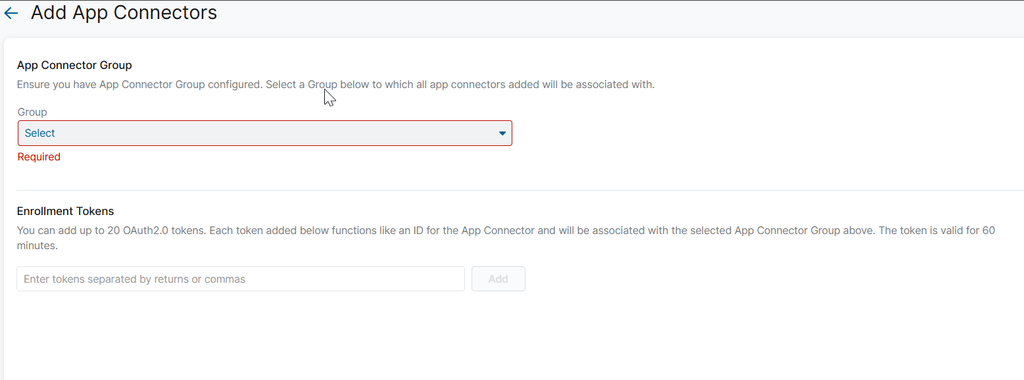
4. Go to the App connector page and click Add; then enter the code shown on the app connector screen as part of the Zscaler App connector deployment via OAUTH feature.
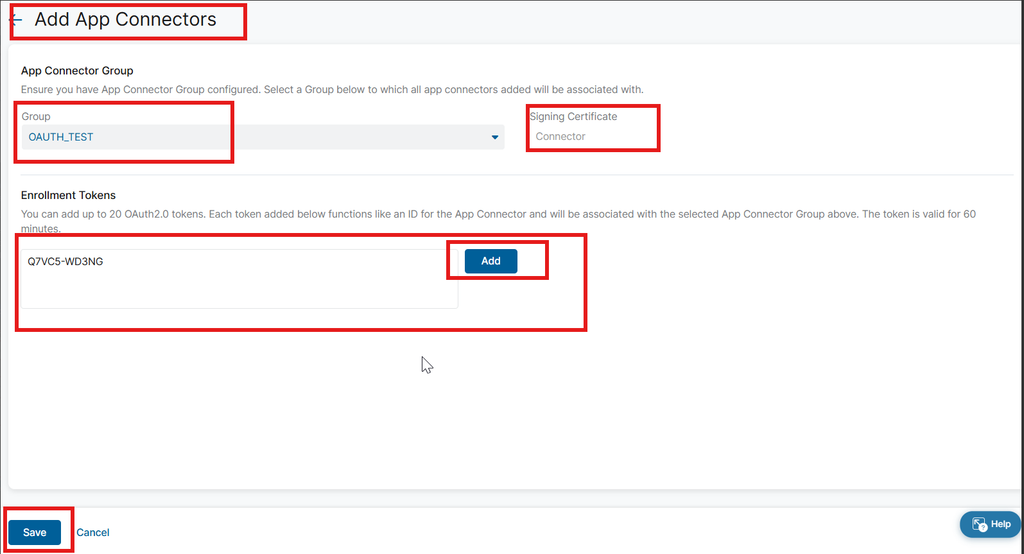
5. Once done, after a minute, the app connector will shown on the page and UP.

Moreover, thank you for reading this; I hope it helped you.
💬 Have questions or need support? You can reach me directly at princekumarssm2445@gmail.com
I have extensive hands-on experience with the following technologies:
- 🔵 Zscaler ZIA / ZPA
- 🔥 Palo Alto NGFW & Prisma Access
- 🌐 CloudGenix SD-WAN (Palo Alto)
- 🛡️ Fortinet
- 🔗 Cisco